
Open Graph Preview Tool
Preview how your page looks when shared on Facebook, Twitter/X, LinkedIn, and WhatsApp. Fill in your OG tags and see live social card previews — then copy the ready-to-use meta tags.
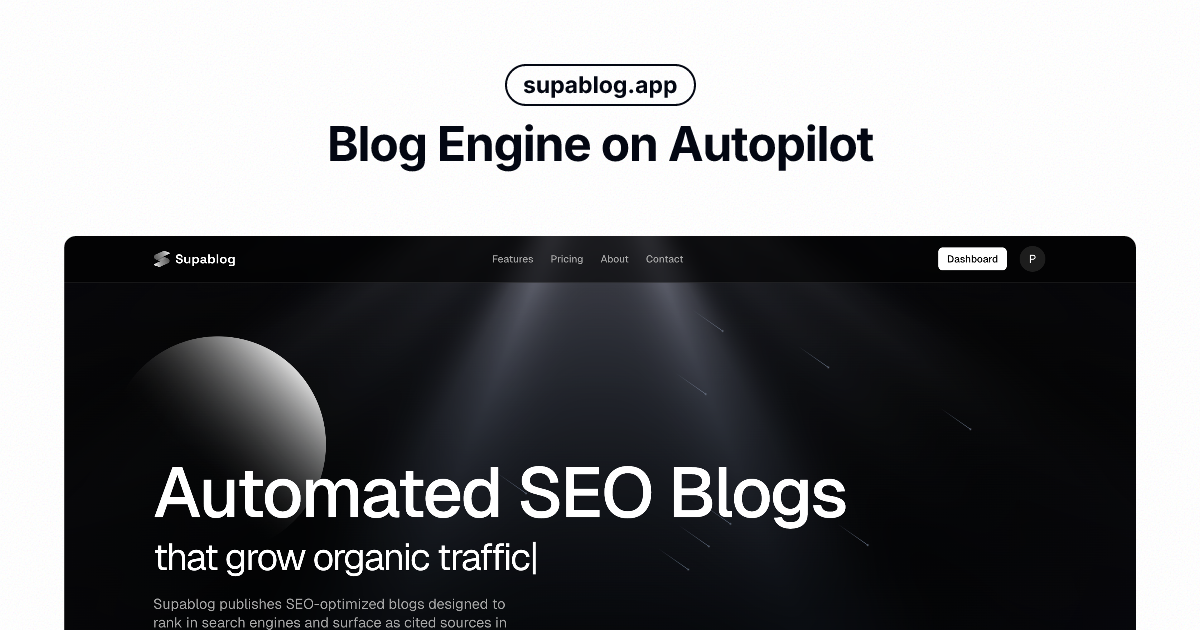
Copy Your Meta Tags
The code below updates in real time as you edit. Copy it and paste it into the <head> of your HTML page.
<!-- Primary Meta Tags -->
<meta name="title" content="Supablog - SEO optimized blogs on autopilot" />
<meta name="description" content="Supablog is an AI-powered content engine that helps businesses dominate search results with SEO-optimized blog posts and custom AI visuals." />

<!-- Open Graph / Facebook -->
<meta property="og:type" content="website" />
<meta property="og:url" content="https://supablog.app" />
<meta property="og:title" content="Supablog - SEO optimized blogs on autopilot" />
<meta property="og:description" content="Supablog is an AI-powered content engine that helps businesses dominate search results with SEO-optimized blog posts and custom AI visuals." />
<meta property="og:image" content="https://supablog.app/opengraph-image.png" />

<!-- Twitter -->
<meta property="twitter:card" content="summary_large_image" />
<meta property="twitter:url" content="https://supablog.app" />
<meta property="twitter:title" content="Supablog - SEO optimized blogs on autopilot" />
<meta property="twitter:description" content="Supablog is an AI-powered content engine that helps businesses dominate search results with SEO-optimized blog posts and custom AI visuals." />
<meta property="twitter:image" content="https://supablog.app/opengraph-image.png" />
Why use it
See exactly what your audience will see
Live Social Preview
See exactly how your page will look when shared on Facebook, Twitter/X, LinkedIn, and WhatsApp — previews update instantly as you type.
Facebook, Twitter, LinkedIn & WhatsApp
Preview all four major platforms at once. Each platform renders link previews differently — check them all in one place with a single click.
Meta Tag Generator
Generate clean, standards-compliant Open Graph and Twitter Card meta tags ready to paste into your HTML <head>. No setup required.
Free & Instant
Everything runs in your browser — no sign-up, no server requests, no limits. Your data stays on your device and the previews refresh in real time.
Frequently Asked Questions
Your content deserves better previews. Supablog handles OG tags automatically.
Supablog auto-generates Open Graph images and meta tags for every post — so your content always looks its best when shared on social media. No manual tagging required.
Get started for free