AI Blog Content Calendar Template (With Real Examples)
Steal this plug-and-play AI-powered editorial calendar to publish consistently without burning out your team.

Steal this plug-and-play AI-powered editorial calendar to publish consistently without burning out your team.
Pranjal Jain
You know you should publish consistently. But between keyword research, briefs, writing, reviews, and approvals, your “weekly blog cadence” keeps slipping.
What you’re missing isn’t more willpower or more writers. You’re missing a simple, reliable AI content calendar template that does the heavy lifting for planning and execution.
In this guide, you’ll get a plug-and-play AI blog content calendar template, see real examples of how to use it, and learn how to connect it to an AI blogging platform like Supablog so posts actually get published—not stuck in drafts.
If you’re also designing your broader AI content engine, pair this with our complete guide to AI content marketing for organic growth.
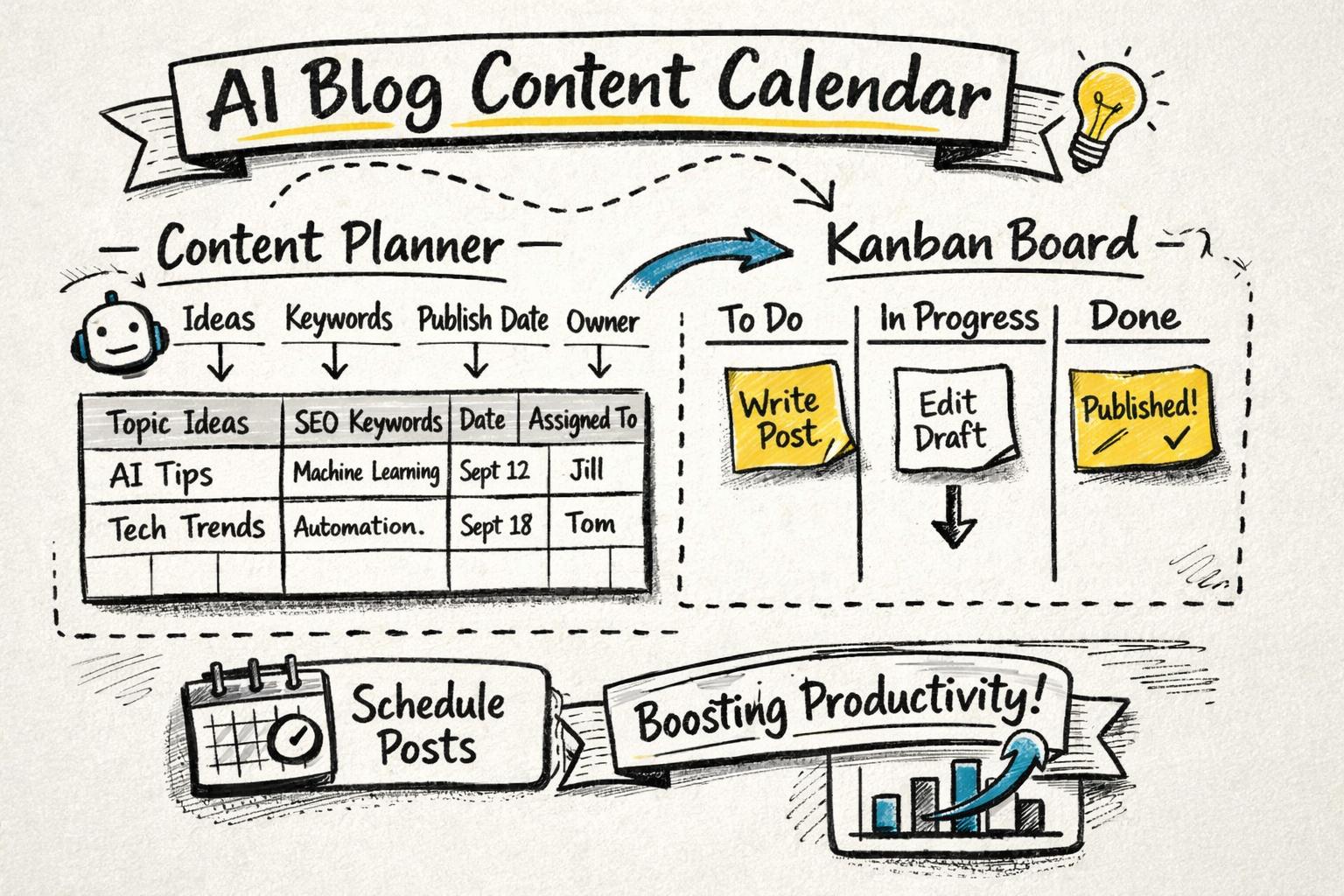
An AI content calendar template is a reusable planning document (usually a spreadsheet or Notion board) that organizes your blog topics, keywords, owners, and publish dates—and is built to work with AI tools.
Unlike a basic blog content calendar template, an AI-first calendar includes fields that map directly to your AI writer or AI blogging platform so you can go from idea → brief → draft → published with minimal manual work.
Think of it as the bridge between your content strategy and your AI production workflow.
Faster planning: Use AI to generate topic ideas, outlines, and briefs from a single keyword or persona.
Consistent publishing: Turn your calendar into a queue that your AI tool pulls from automatically.
Smarter prioritization: Combine search volume, difficulty, and business value to decide what to publish next.
Less context switching: Keep all metadata (keywords, CTAs, target audience, internal links) in one place.
If you already use AI for writing, an AI editorial calendar is what turns those drafts into a predictable traffic engine.
You can build your calendar in Sheets, Excel, Notion, Airtable, or directly inside a platform like Supablog. The structure is what matters.
Here’s the minimal set of fields you need for content planning with AI that still works for humans.
Content ID – A unique identifier or simple incrementing number for each post.
Working title – The current best guess title. AI can later generate variants.
Primary keyword – The main term you want to rank for (e.g., “ai content calendar template”).
Secondary keywords – 3–7 related phrases the article should naturally cover.
Search intent – Informational, commercial, transactional, or navigational.
Content type – e.g., how-to guide, comparison, checklist, case study, thought leadership.
Target persona – Who this is for (e.g., “SaaS content lead,” “solo creator”).
Stage of funnel – TOFU, MOFU, BOFU.
Publish date – Planned date; later updated with actual date.
Owner – Who is responsible for getting this live.
Status – Idea, Briefing, Drafting (AI), In Review, Scheduled, Published.
AI prompt / brief link – A link to your brief or the exact prompt you’ll use in your AI writer.
Outline approved? – Yes/No. Only “Yes” items move to AI drafting.
Internal links to include – Key pages and articles to reference (e.g., your SEO content brief template for AI writers).
Primary CTA – The main action you want readers to take (demo, trial, newsletter).
AI tool – Which platform you’ll use (e.g., Supablog, ChatGPT, Jasper).
Repurposing notes – How this post will be reused (email, LinkedIn thread, YouTube script).
These fields make it trivial to plug your calendar into an AI-powered content workflow automation so you’re not copy-pasting data between tools.
You can recreate this exact structure in your tool of choice. Here’s what a simple monthly blog schedule template looks like in table form:
Content ID | Working Title                           | Primary Keyword             | Intent        | Type        | Persona            | Stage | Publish Date | Owner  | Status
--------- | --------------------------------------- | --------------------------- | ------------- | ----------- | ------------------ | ----- | ------------ | ------ | -----------
B-001     | AI Blog Content Calendar Template       | ai content calendar template| Informational | How-to guide| SaaS content lead  | TOFU  | 2026-03-15   | Alice  | Drafting (AI)
B-002     | AI SEO Content Optimization Tutorial    | ai seo content optimization | Informational | Tutorial    | Marketing manager  | MOFU  | 2026-03-22   | Ben    | Briefing
B-003     | Content Workflow Automation With AI     | content workflow automation | Informational | Guide       | Content ops lead   | MOFU  | 2026-03-29   | Alice  | Idea
B-004     | AI Blog Post Checklist                  | ai blog post checklist      | Informational | Checklist   | SEO specialist     | TOFU  | 2026-04-05   | Cara   | Scheduled
In a spreadsheet, you’d add the AI-specific columns to the right (brief URL, CTA, internal links, etc.).
Let’s walk through three realistic scenarios so you can see how to adapt this template to your team and goals.
Scenario: You’re a one-person marketing team for a B2B SaaS product. Your goal is to publish one strong, SEO-focused post each week.
Your calendar might look like this:
Week | Focus                        | Post Type      | AI Role
---- | ---------------------------- | -------------- | ------------------------------
1    | TOFU SEO traffic             | How-to guide   | Draft from brief + title ideas
2    | Product education (MOFU)     | Comparison     | Outline + first draft
3    | Thought leadership (TOFU)    | Opinion piece  | Ideation prompts + editing
4    | Conversion (BOFU)            | Case study     | Interview questions + structure
In your sheet, you’d map each week to a specific article, add your keywords, and then use Supablog or your preferred AI writer to generate the first draft.
Because you’re solo, you should keep statuses simple: Idea → Briefed → Drafted (AI) → Edited → Published.
Scenario: You run a content agency handling 5–10 client blogs. You need a calendar that scales across brands but keeps production predictable.
On top of the core fields, you’d add:
Client name – For filtering per account.
Brand voice notes – Key tone guidelines for AI prompts.
Approval required? – Whether the client must sign off on outlines or drafts.
Platform – WordPress, Webflow, Shopify, etc.
Your AI workflow might be:
Account strategist fills in topics, keywords, and personas for the month.
Content lead approves and adds AI prompt links using a standard brief template.
Writers or Supablog generate drafts, tagged by Content ID.
Editors review, optimize for SEO, and schedule in the client’s CMS.
This is where a dedicated platform like Supablog helps: it connects your SEO content generator with multi-platform publishing and analytics, so your “calendar” isn’t just a static sheet—it’s a live production queue.
Scenario: You’re a content team at a growth-stage startup. You want to scale from 4 to 16 posts per month without quadrupling headcount.
Your AI content calendar template needs to support:
Keyword clusters – Group related topics around a core pillar.
Cluster / pillar mapping – Which post supports which pillar page.
Priority score – Based on search volume, difficulty, and revenue potential.
Experiment tags – e.g., “top-of-funnel experiment,” “new format test.”
A single cluster in your calendar could look like:
Cluster: AI Content Marketing

Pillar: The Complete Guide to AI Content Marketing for Organic Growth

Supporting Posts:
- AI Blog Post Checklist: 25 Steps Before You Hit Publish
- AI SEO Content Optimization Tutorial
- Content Workflow Automation With AI Tools
- How to Measure the ROI of AI Content Marketing
Each of these becomes a row in your calendar, with internal links pointing back to the pillar and to each other. For examples of how these posts fit together, see our guides on AI blog post quality checklists, AI SEO content optimization, and measuring AI content ROI.
Use this as a repeatable process whenever you set up a new calendar—for yourself, a client, or a new market.
Before you touch a spreadsheet, decide:
How many posts per month can you realistically publish?
Who is involved in each stage (briefing, drafting, editing, approvals)?
What channels matter most (blog only, or also email, social, etc.)?
Research from HubSpot’s content marketing benchmarks shows that companies that publish 11+ posts per month get significantly more traffic, but only if quality and consistency are maintained. Your calendar should reflect what you can sustain, not an arbitrary ideal.
Three common formats for a blog content calendar template:
Spreadsheet (Google Sheets / Excel) – Best for teams starting from scratch; easy to share and customize.
Kanban board (Trello / Notion / Asana) – Great for visualizing status; use columns for each stage.
Integrated platform (Supablog) – Combines calendar, AI writing, SEO optimization, and publishing in one place.
If you’re serious about scale and automation, an integrated platform will save you the most time because your calendar is directly tied to your AI content generator and publishing workflow.
Next, define the themes your blog will focus on for the next 1–3 months. For each theme, identify:
Pillar topic – Broad, high-value topic (e.g., “AI content marketing”).
Supporting topics – Narrower questions or subtopics (e.g., “AI blog post checklist,” “AI SEO optimization tutorial”).
Target keywords – Primary and secondary terms for each post.
You can use tools like Ahrefs, Moz, or Supablog’s automatic keyword research to generate and prioritize these topics.
Now layer in the AI fields described earlier so every row in your calendar can be turned into a high-quality AI draft with minimal extra work.
For each post, fill in:
AI brief link – This could be a doc using our SEO content brief template for AI writers.
AI tool – e.g., “Supablog – English,” “Supablog – Spanish,” “ChatGPT.”
Voice / brand notes – Short description of tone, style, and must-avoid phrases.
Internal links – List 3–5 important pages to weave into the article.
This is the step most teams skip—and it’s exactly what makes your calendar “AI-ready.”
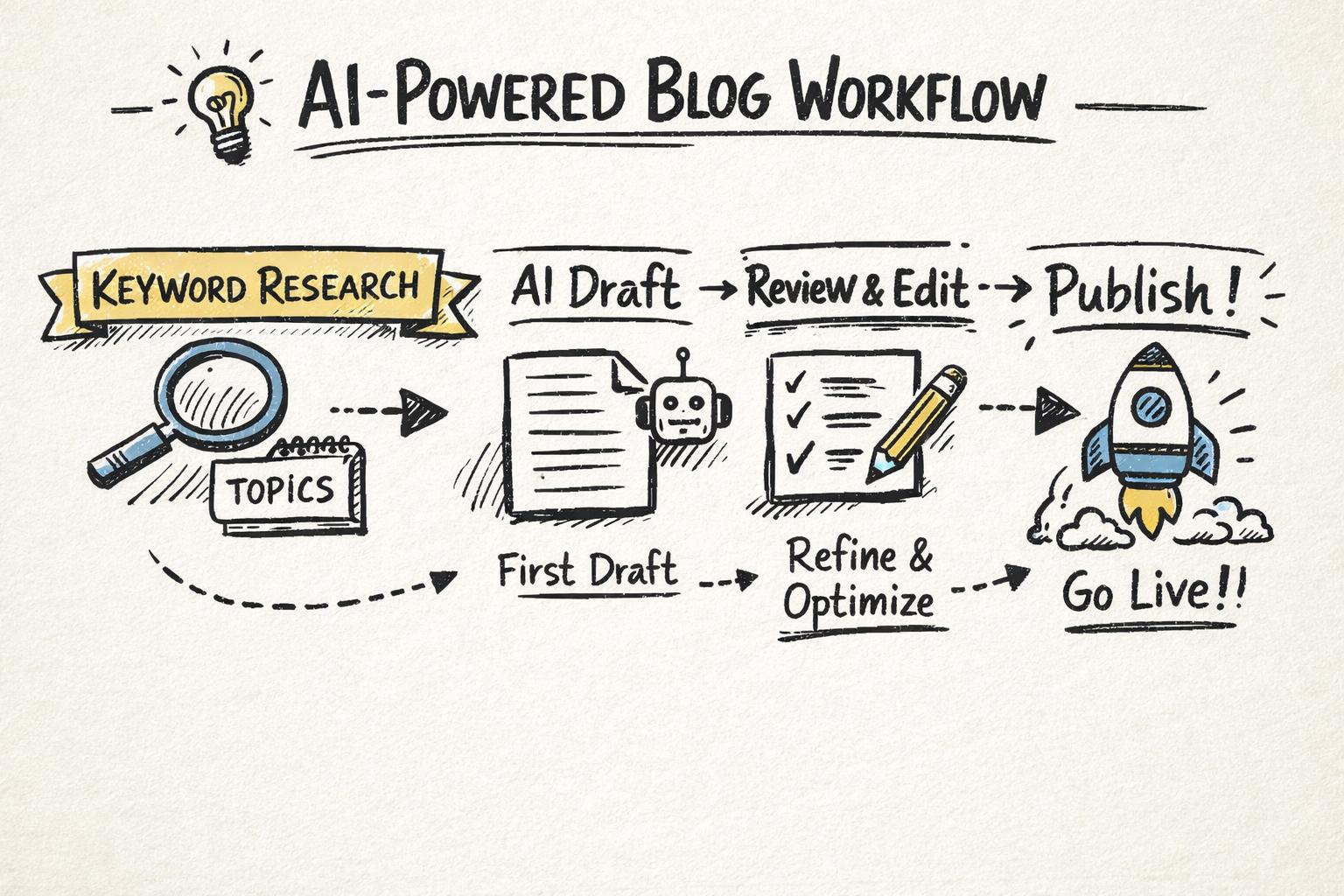
With the fields in place, you can create a simple rule: when a row reaches “Briefed” and has an AI brief link, it’s ready for AI drafting.
In Supablog, this looks like:
Import or create topics with keywords and metadata.
Generate SEO-optimized drafts with a single click, using your brief.
Auto-generate images and embed relevant YouTube videos.
Schedule posts directly to WordPress, Webflow, Shopify, Framer, and more.
Instead of your calendar being a “wishlist,” it becomes the control center for an automated content machine.
AI doesn’t remove the need for human judgment. It just changes where humans add the most value.
For each post, your calendar should make it clear who is responsible for:
Outline approval – Before AI drafting.
Substantive edit – Ensuring accuracy, depth, and brand alignment.
SEO optimization – Checking headings, internal links, and on-page elements (use our AI SEO optimization tutorial for a process).
Final QA – Typos, formatting, links, and CTAs (our AI blog post checklist can be turned into a column of checkboxes).
Adding columns like “Outline approved?” or “SEO review complete?” turns your calendar into a lightweight production tracker.
A content calendar is a living document. At least once a month, review:
Which topics are driving traffic and leads (via Google Analytics or Supablog analytics).
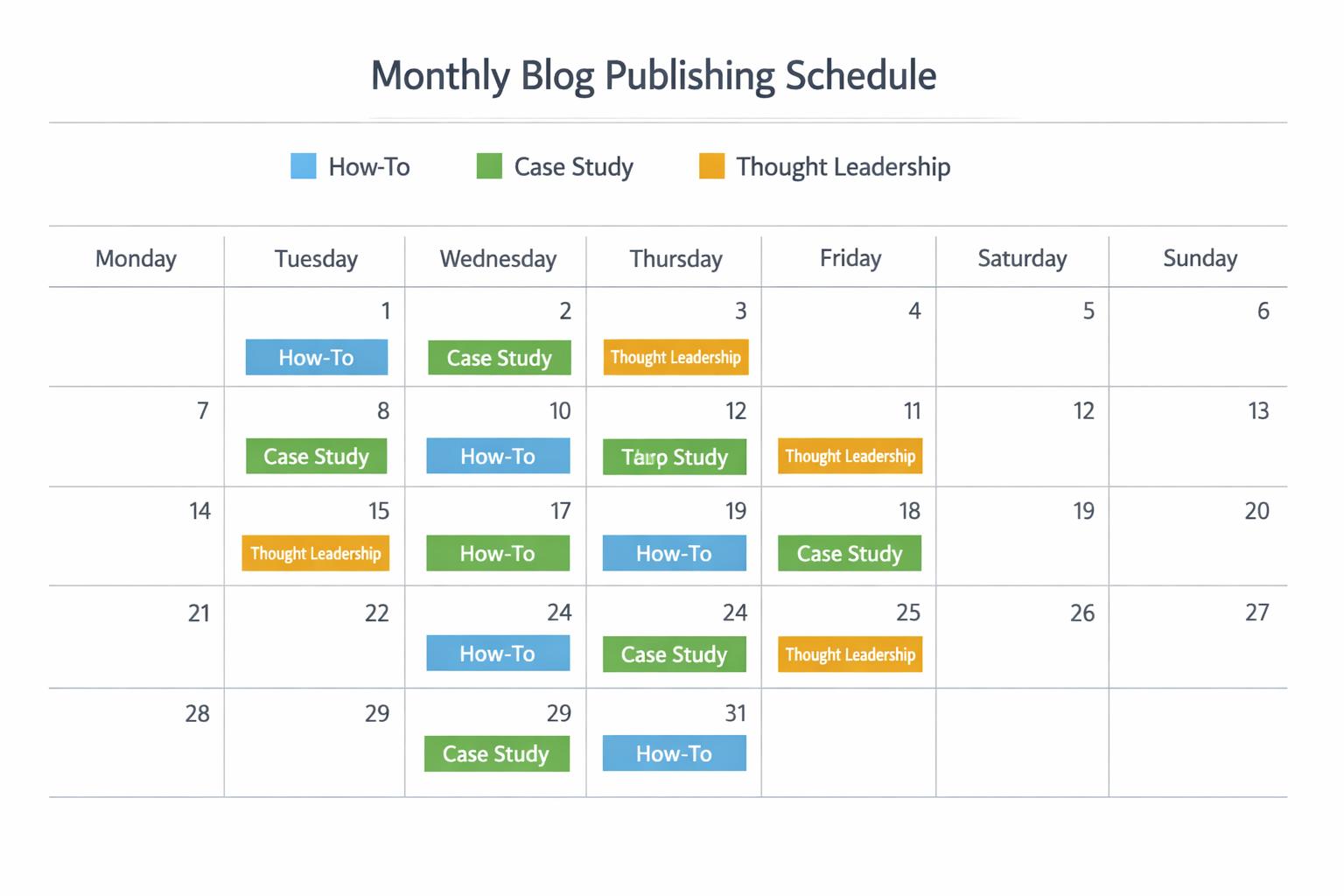
Which formats perform best (how-tos vs. case studies vs. thought leadership).
Where bottlenecks occur (briefing, editing, approvals).
Research from Content Marketing Institute’s B2B content marketing reports shows top performers are far more likely to have a documented strategy and regularly review performance. Your AI content calendar is the tactical expression of that strategy.
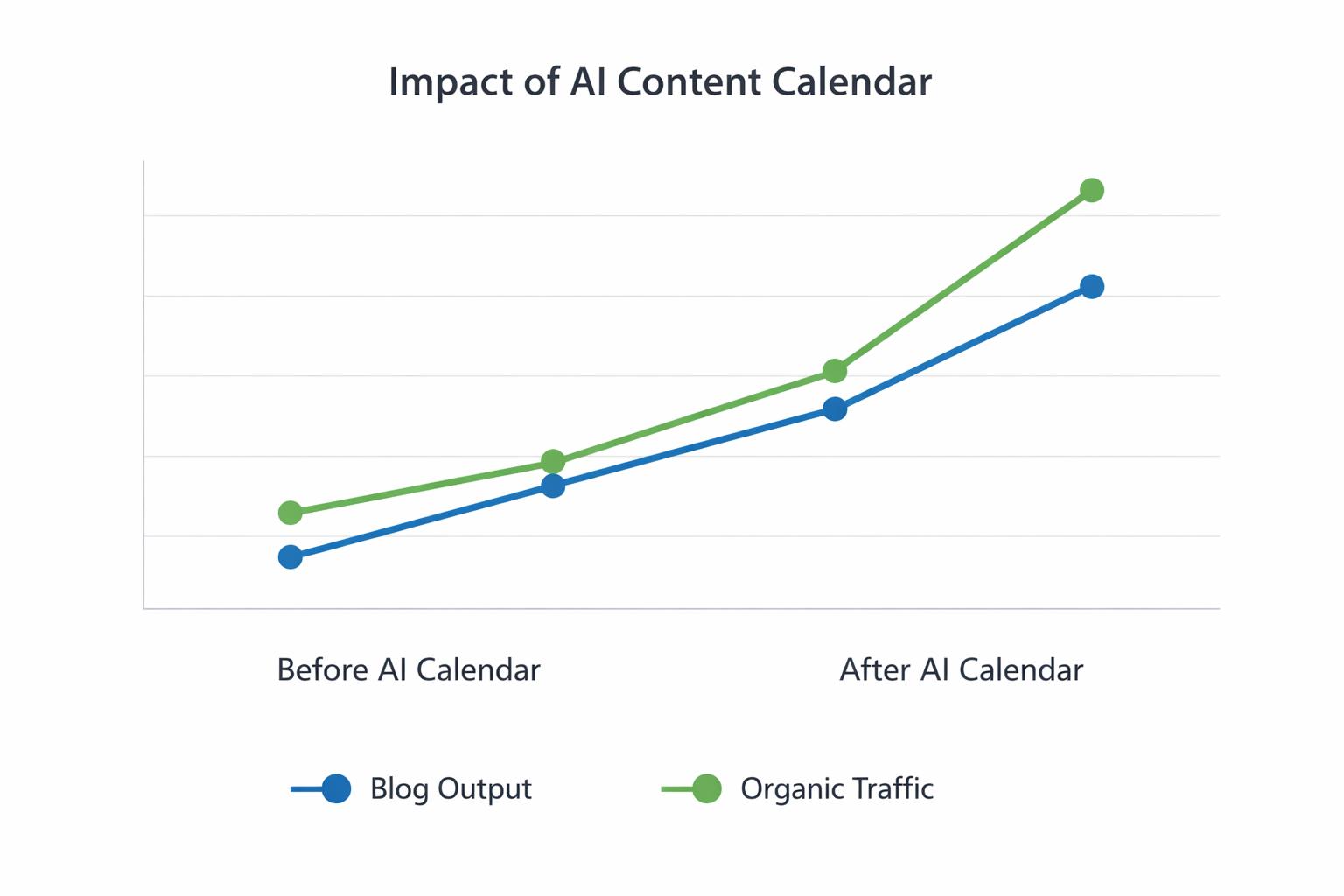
Instead of planning a whole year, plan one or two months at a time.
Lock in topics, keywords, and personas for the sprint.
Leave 10–20% of slots open for timely or opportunistic content.
Use sprint retros to adjust cadence, formats, or topics.
Maintain two views:
Backlog – All potential ideas, loosely qualified.
Production – Only posts with a keyword, brief, and target date.
This prevents your calendar from becoming a dumping ground and keeps focus on what’s actually shipping.
Consistency in prompts = consistency in output.
Create one or two reusable prompt frameworks (for how-tos, comparisons, etc.) and link them from your calendar. Our SEO content brief template for AI writers is a good starting point.
To prove that AI is actually saving you time, add a simple “Hours spent” or “AI vs. human ratio” field for a subset of posts.
This makes it easier to later calculate the ROI of your AI content marketing and justify tools or headcount.
AI can help you publish more, but volume without quality is a fast way to burn your domain and your brand.
Consistency beats volume. A reliable cadence of high-quality posts will outperform sporadic content bursts every time.

Use a checklist (like the one in our AI blog post checklist) to make sure every AI-assisted article meets your quality bar before it goes live.
You can absolutely use this AI content calendar template with spreadsheets and generic AI tools. But if you want a system that scales with minimal manual work, Supablog is built for exactly this use case.
Here’s how Supablog fits into your calendar-driven workflow:
Automatic keyword research: Generate topic ideas and keywords that you can immediately add to your calendar.
AI-generated, SEO-optimized posts: Turn a row in your calendar into a full draft in minutes, tailored to your keyword and intent.
AI image generation and YouTube integration: Enrich posts visually without leaving the platform.
Multi-platform publishing: Schedule and publish directly to WordPress, Webflow, Shopify, Framer, and more.
Performance analytics: See which calendar entries drive traffic and leads, then double down on what works.
Backlink automation: Build high-DR backlinks automatically to boost the performance of your best content.
With a 14-day free trial and up to 30 AI-generated, auto-published articles per month, you can go from “we should really get consistent with content” to a functioning AI-powered editorial calendar in a couple of weeks.
To recap, here’s how to get value from this template today:
Pick your format (sheet, board, or Supablog) and recreate the core fields.
Plan 4–8 posts for the next month, including keywords, personas, and CTAs.
Add AI-specific fields (brief links, AI tool, internal links).
Connect your calendar to an AI workflow so posts move from idea to published with minimal friction.
Review performance monthly and refine your topics, cadence, and prompts.
If you want the calendar, AI writer, SEO optimizer, and publishing all in one place, try Supablog and turn this template into a fully automated content engine.
Written by
Pranjal JainFounder of Supablog, Pranjal is a software engineer passionate about building SaaS products that empower founders to grow and scale their businesses. With a strong focus on practical innovation, he creates tools that solve real-world challenges in the SaaS ecosystem. Outside of building and writing, he enjoys reading and traveling, drawing inspiration from new ideas, cultures, and experiences.